Play the missed words again
A child's report makes a resource of the words they missed last time. The same button gathers the missed words of the whole class.
Independent mode keeps, for each child, the words found at the first try, those found at the second try and those missed. The report shows them in three groups. Under the words to work on, the “Create a resource with these words” button now opens the choice of resource, with those words already in place.
A resource for one child or for the class
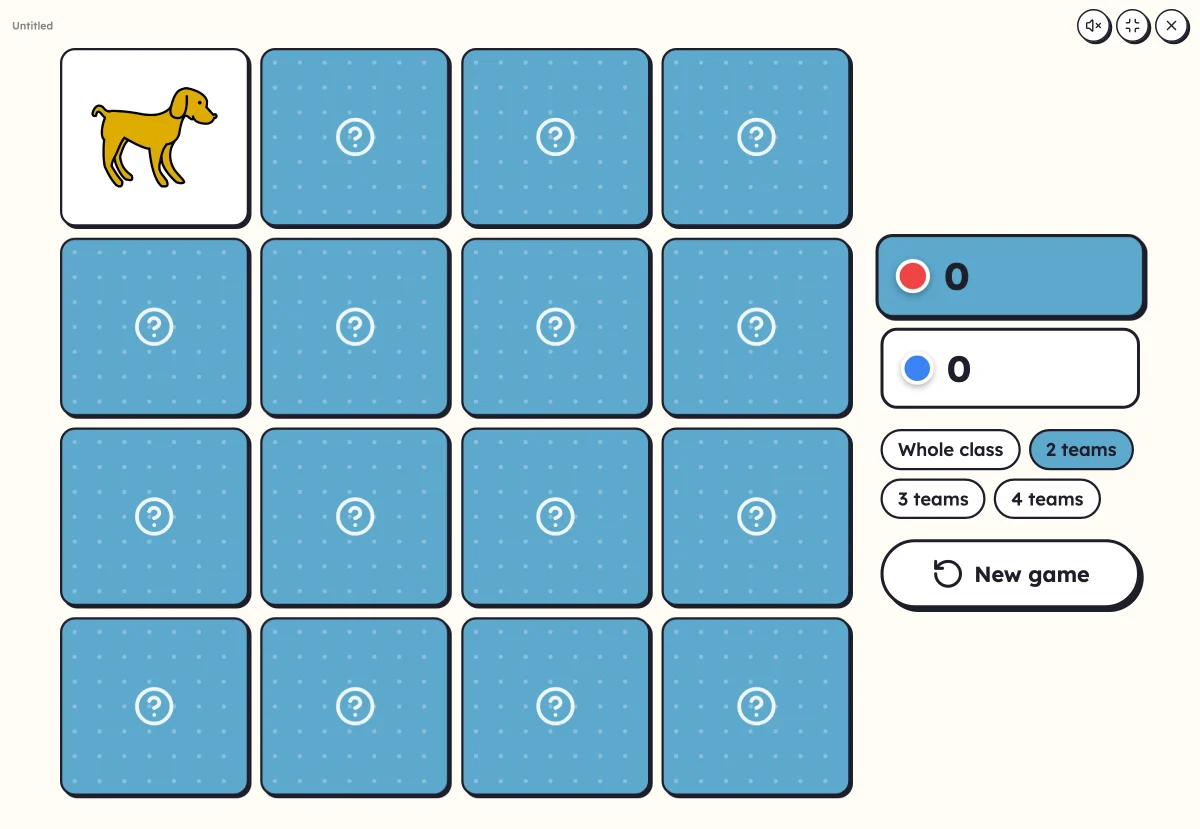
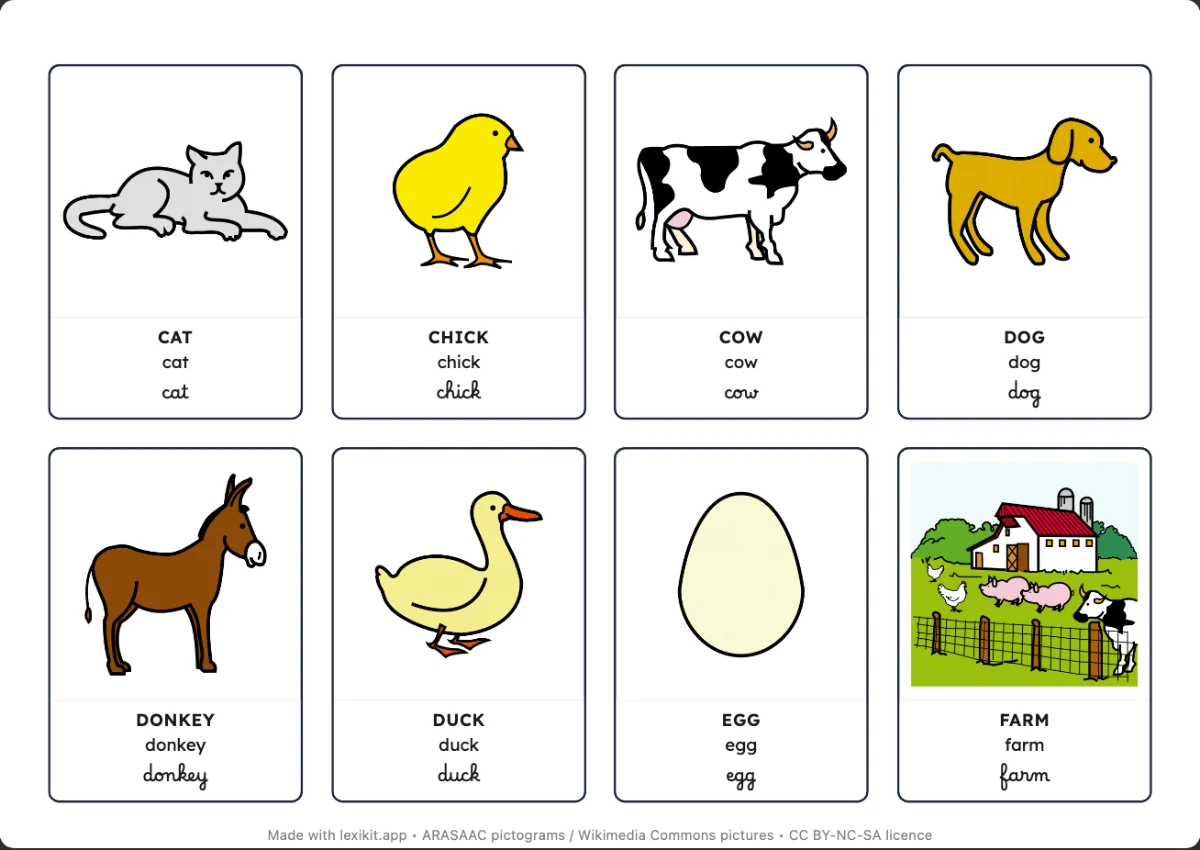
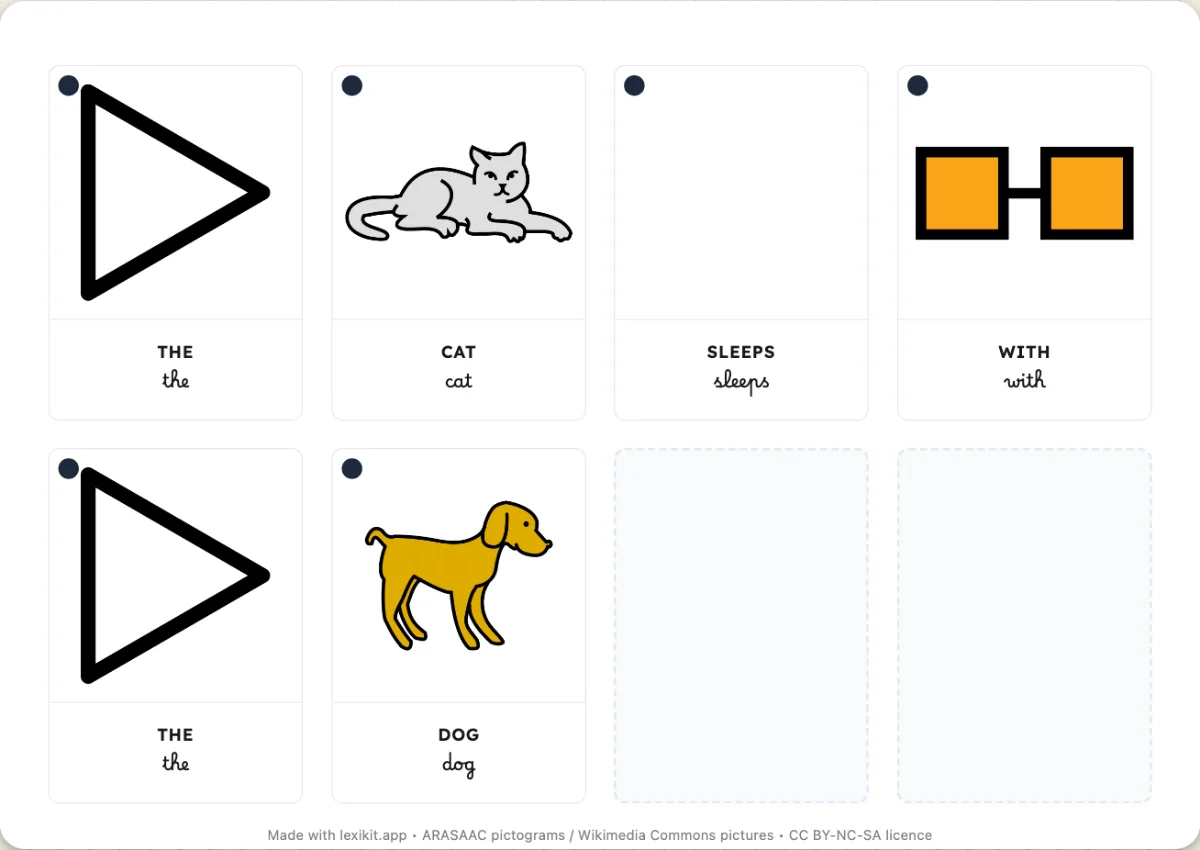
The resource takes the child's name, for example “To work on: Léa”. It can become a memory game to play in pairs, cards for a workshop, a worksheet or an activity on screen. In Settings › My groups, under the reports of the list, the same button gathers the missed words of every child. The words missed by the most children come first.
The last time counts
A word does not stay “to work on” forever. Lexikit looks at the last time it came up for the child. If the child has found it since, the word moves to “Almost” or “Got right” and no longer comes back in the resource.
Seeing a word again a few days later, just as it starts to fade, makes it easier to remember. That is the idea of spaced repetition.