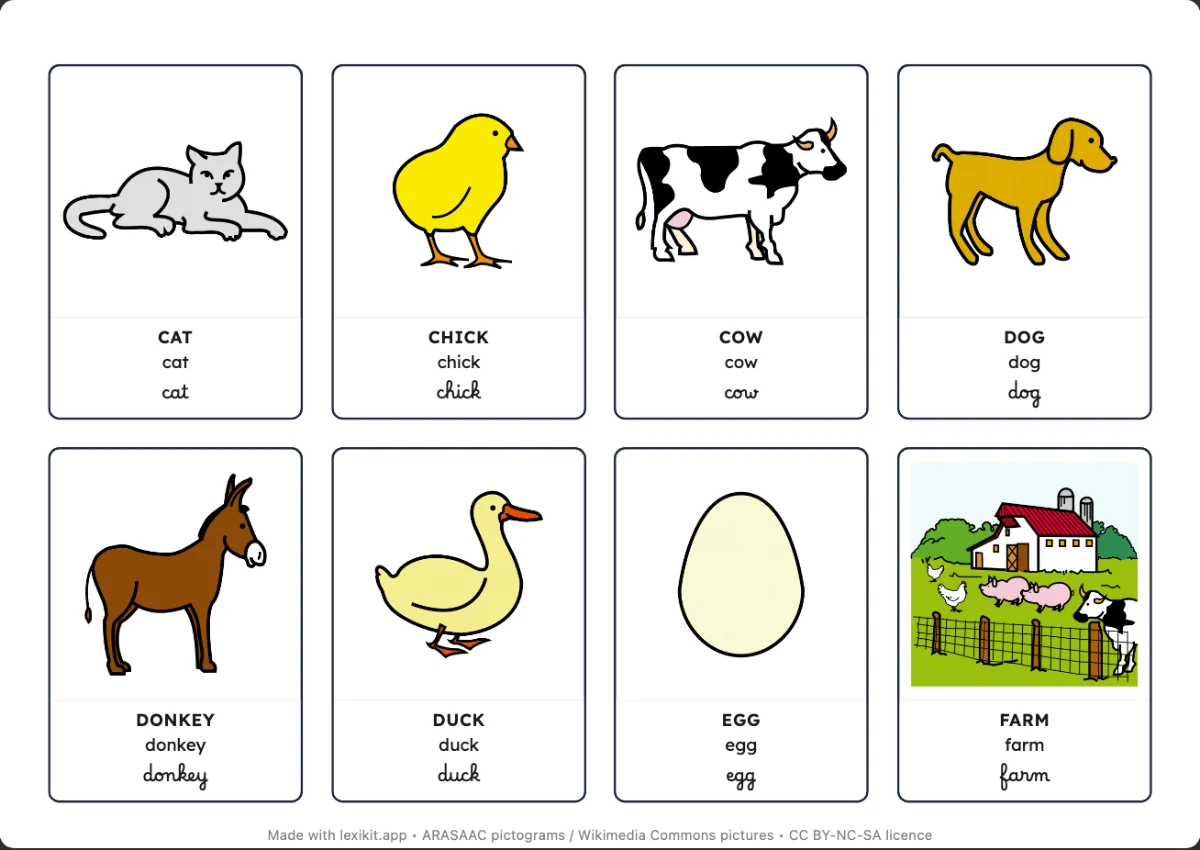
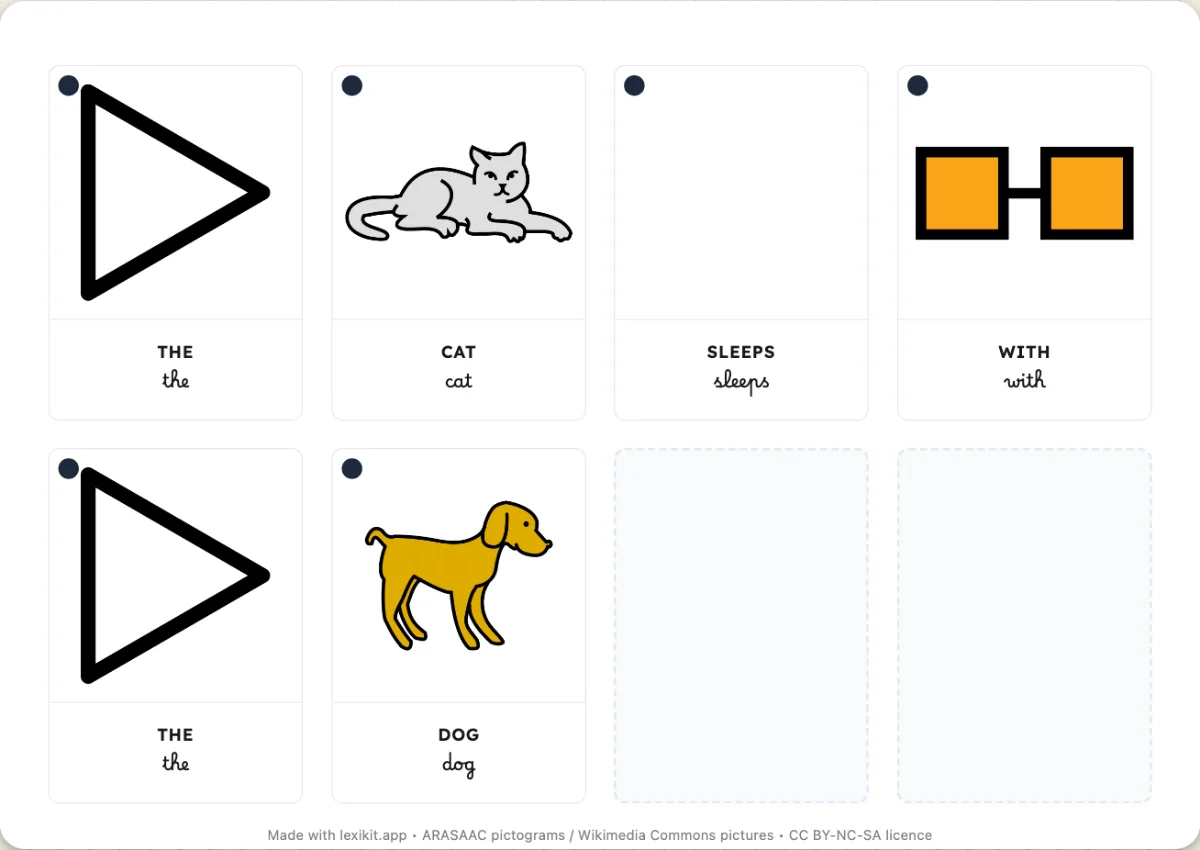
Cards to turn over
Cards can carry the word or the translation on the back, behind the picture. The child names the picture, turns the card over and checks.
A card with the picture on one side and the word on the other is a way to test yourself. Lexikit now prints that back. In a “Cards” resource, the “On the back” row of the Format panel has three choices: “Nothing”, “The word” and “The translation”. The last one only shows on a resource with a second language.
The word on the back
With “The word”, the picture stays alone on the front. The back carries only the word, in the writing chosen in “Written word”. The child names the picture, turns the card over and checks. A child who cannot read yet needs an adult or a classmate who reads for this check.
The dot of the card moves to the back with the word. I made this choice because its colour gives the part of speech of the word, so it belongs next to it.
Looking for the answer before seeing it fixes the word better than reading the card again. Stanislas Dehaene (2018) places this testing effect under active engagement, one of the four pillars of learning. The answer on the back gives error feedback, another of these pillars.
The translation on the back
With “The translation”, the picture stays alone on the front and the back carries only the translation, in the second language chosen in Format › Language. An adult learning the language looks at the picture, says the word, then turns the card over to link it to their own language.
Printing the back
A back page follows each page of cards. It prints double-sided, flipped on the long edge, and each back lands behind its card. The back has no cut line, because printers often shift the back by a few millimetres. “Back of the cards”, in Style › Printing, chooses the paper of the back: “White”, or “Decorated” with the Lexikit squared paper or your own pattern.
Nomenclature cards already have their control card, and “Happy Families” always writes its word. These two models therefore have no “On the back” row.