The Lexikit Script and Lexikit Cursive fonts
Two fonts adapted for school: letters that are easy to recognise, words clearly apart and a cursive that follows the French curricula.
By default, Lexikit uses two fonts, Lexikit Script and Lexikit Cursive. They are open fonts that I adapted to follow what the French curricula ask for.
Recognising letters and seeing words
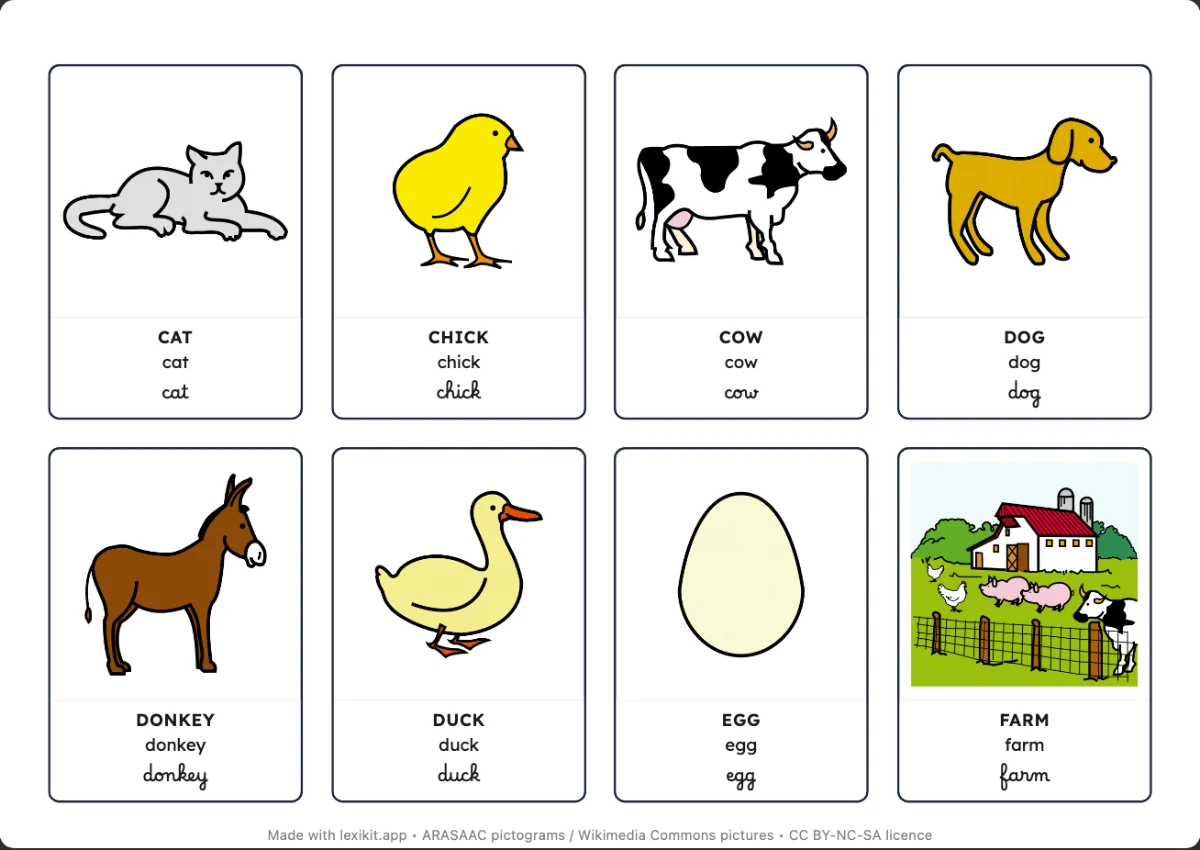
The French cycle 1 curriculum, in force since September 2025, asks children to recognise the same letter in capitals, print and cursive. Lexikit often shows a word in these three scripts. For the child to compare them, each letter keeps the same shape from one resource to the next.
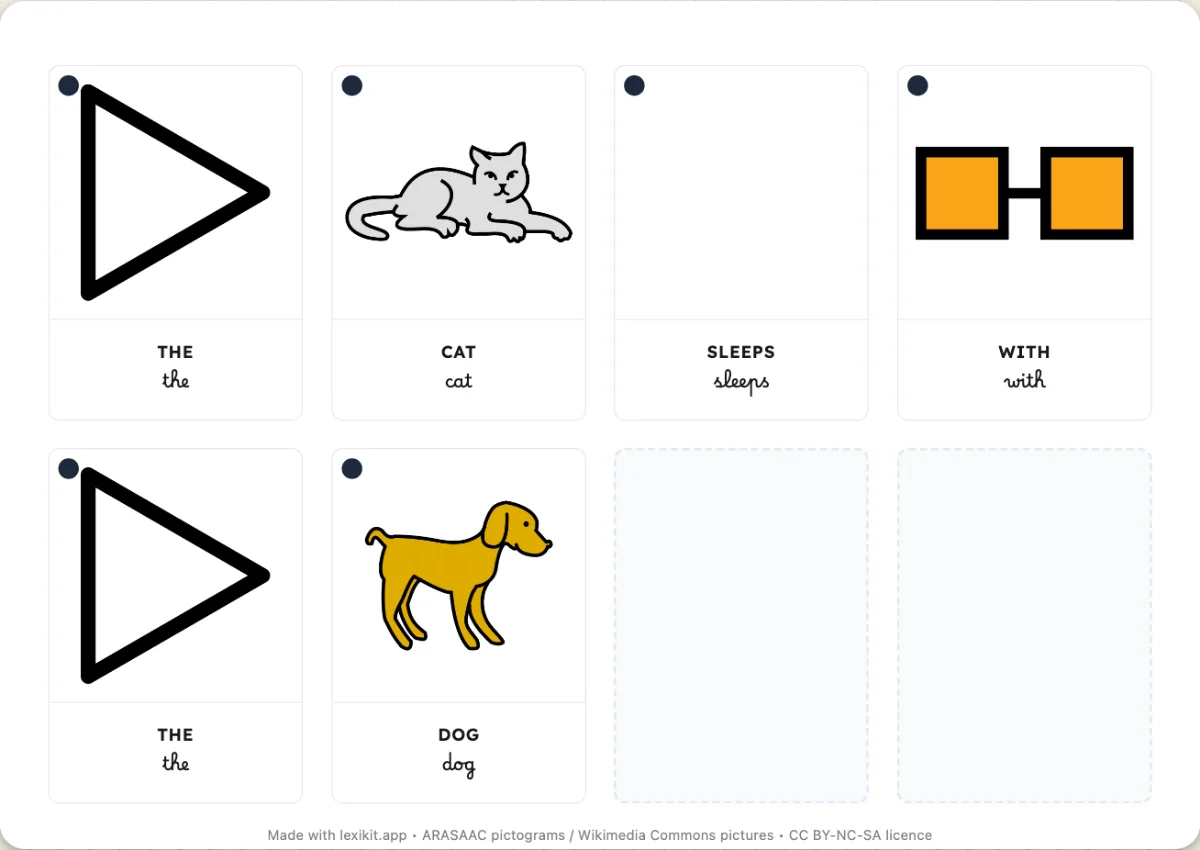
The French cycle 2 curriculum also asks children to learn to segment words. Lexikit Script therefore takes the letters of Lexend, a font made for easier reading, and widens the space between words by 50%. Word boundaries are easier to see when the child reads or copies. This value is a choice of Lexikit, since the curricula set none.
A cursive that follows the progression
In preschool, the curriculum includes work on joining letters. Lexikit Cursive takes the lowercase letters of Passerelle, with its closed “s”. Association 5E recommends this movement: you close the letter, then move on to the next one. The cursive capitals come from Marelle 1.
These letters follow the progression of cycle 2: cursive lowercase in CP, the first primary year, then cursive capitals from the middle of CE1, the following year. In GS and CP, Passerelle remains available in Settings › Fonts, with its print capitals, to match the forms taught in class.
Why adapt fonts
No font brought together what I was looking for: the letters of Lexend with more space between words, the lowercase letters of Passerelle and the cursive capitals of Marelle. These fonts are open, and I was able to combine them and set them up directly in the files.
A word therefore keeps the same model everywhere, on a card, on a handwriting worksheet, in an on-screen activity and in the PDF. You can also download these fonts to prepare your own documents. They do not replace your demonstration of the writing movement in front of the children.
Everything is set in Settings › Fonts, and the choice applies to every resource. You also find Lexend, Andika and Luciole there. Luciole was designed by Laurent Bourcellier and Jonathan Perez for people with low vision.
Compare: Lexikit Script and Lexikit Cursive. Download: Script and Cursive. Credits and licences: Lexend, Passerelle and Marelle.