Checking every word and every picture
In a vocabulary app, a mistake is learnt as well as a right word. Here is how Lexikit checks its words, its pictures and the links between them.
I set one goal for the whole lexicon of Lexikit: zero errors. A child who sees a mirror under the word “glace” (ice cream, but also a mirror) learns a wrong meaning, and learns it as well as a right one.
Pictures that say something else
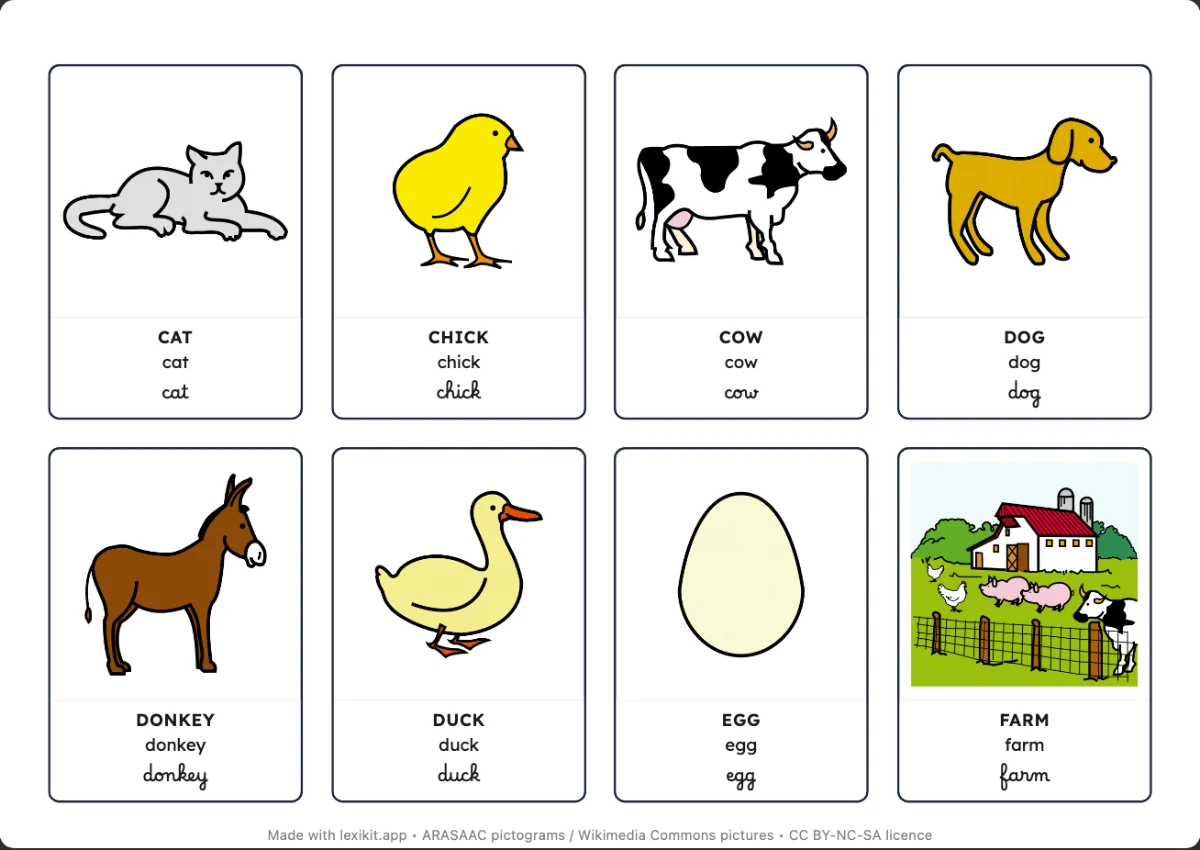
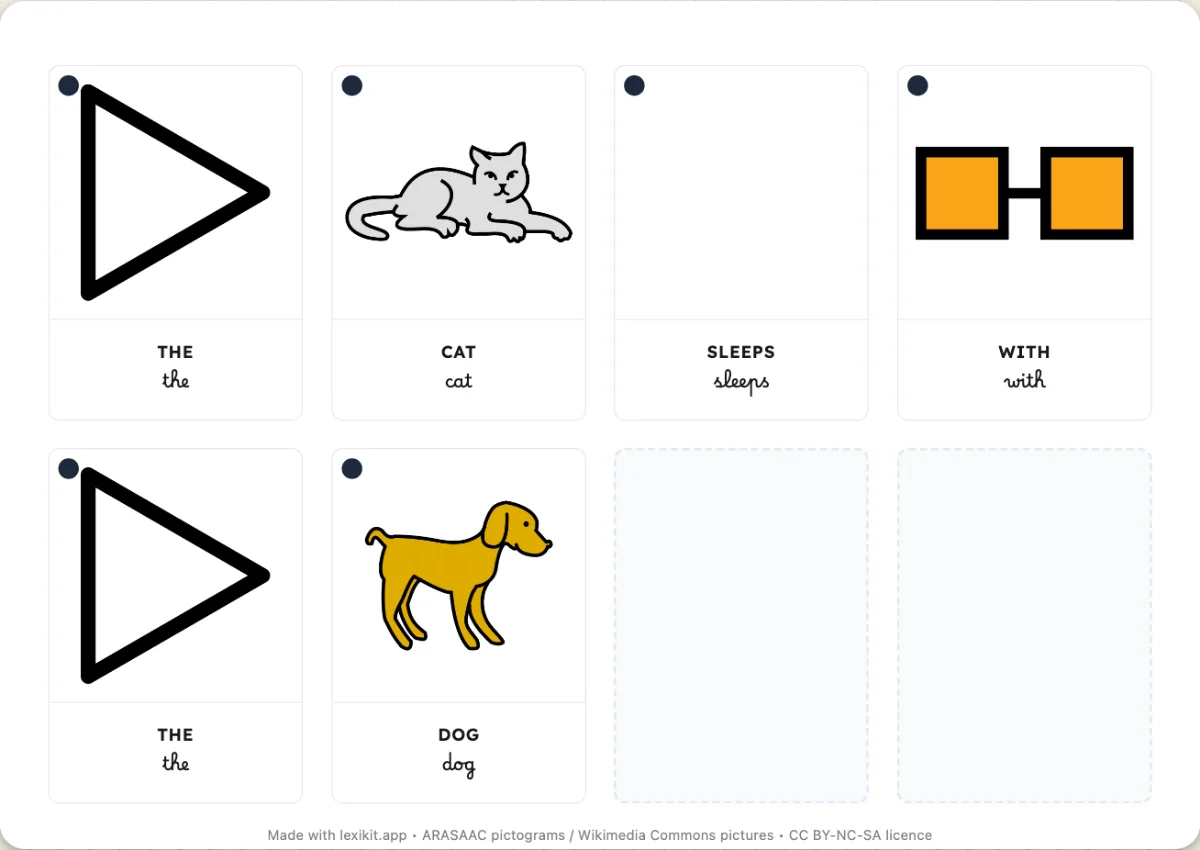
In ARASAAC, a word often has several pictograms, and the first is not always the clearest. “Glace” shows a mirror, “seau” (bucket) a bin, “tableau” (the classroom board) a painting, “singe” (monkey) a gorilla. So every theme is checked picture by picture, and a theme can choose the picture to show for each word.
The most expected picture
A right picture must also be the one people expect. Under the sheep, we write “sheep”, not “ewe” or “lamb”. In a category, when several words show the same picture, Lexikit keeps only the most common one.
Two sources, then a review
For word families, synonyms and parts of speech, Lexikit cross-checks two independent sources, the Lexique 3.83 database and Wiktionary. When they disagree, the word is left out. When they agree, each item is still checked one by one. Nearly 400 parts of speech were corrected this way.
Reporting an error
Some errors surely remain. If you see a misleading picture or a word in the wrong place, the “Your feedback” button sends me a message. Every error reported is corrected.