The official texts and Lexikit's choices
I reviewed every Lexikit resource against the French curriculum, the Eduscol guides and the inspectorate's report. Here is each change and the text behind it.
In October 2026, I reviewed every Lexikit resource against the French official texts: the 2024 curriculum, the 2026 preschool curriculum, the 2026 back-to-school circular, the Eduscol guides and the general inspectorate's report on vocabulary of June 2026. For each text, I note below what it asks, what Lexikit changes and what remains your choice. The quotations are translated from French, and each link leads to the text.
Screens, rare and shared in preschool
The French ministry writes that in preschool, from age 5, a child “may use screens very rarely and always collectively”, and “has no access to an individual screen” (Growing up with screens, 2025). Lexikit is built first for a screen shared on the board with the whole class. Independent mode, where one child plays alone, remains available. You decide how to use it.
Games where children talk
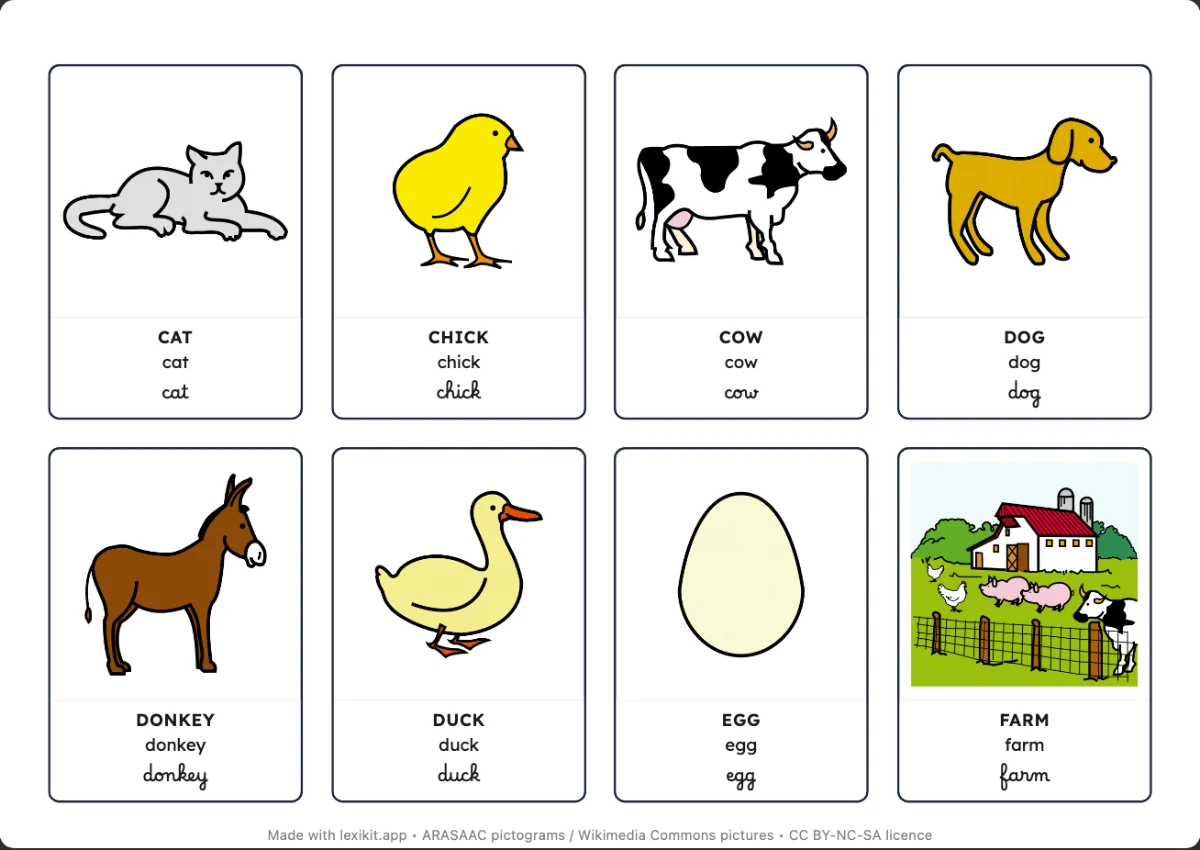
The inspectorate's report notes that lotto or memory games “may lead to merely naming the words learned”. It asks to link them “to complete language activities”. The preschool curriculum wants games that “explicitly aim at specific learning”. Each printed game can now end with a “Rule card” and a “Teacher's page”, to tick in the “Resource” section. The page says what to do before, during and after the game. The card gives sentence starters, from the shortest, “I have …”, to a complete sentence. They are examples, and any correct sentence is fine.
On screen, the voice waits until the child has named the picture. Happy families has children say the sentence of the French first-grade curriculum: “In the fruit family, I would like the apple.” The curriculum also asks that every word network be “made of verbs, nouns, adjectives, grammatical words and expressions”. Lexikit's themes are lists of illustrated words. Since 18 October 2026, they also include a few grammatical words and expressions of their situation. Under the list of a resource, a line counts its nouns, verbs, adjectives, grammatical words and expressions. You add the grammatical words and expressions you work on in class.
The picture before the word, the sound before the letter
The Eduscol guide on vocabulary in preschool says: “As the pupils cannot decode yet and whole-word recognition must not be encouraged, the tools will only use pictures.” For a class that does not read yet, cards, the picture dictionary and the words of the week can show the picture alone, with the “Written word” option. The worksheets where children read words suit children from age 6, since the first-grade guide recalls that “we do not rely on drawings to guess words”.
For letters, the 2024 curriculum asks for “orthographically transparent words (with no double consonant and no silent letter)”. The first letter, the silent dictation and the crossword can keep only these words. The others wait in the left column, with the reason they were set aside. The “First letters: Vowels” option limits the first letter to vowels, as the curriculum suggests at age 4. Letters can show in the three writing styles, and the voice says the name then the sound of the letter.
Whole words and whole sentences
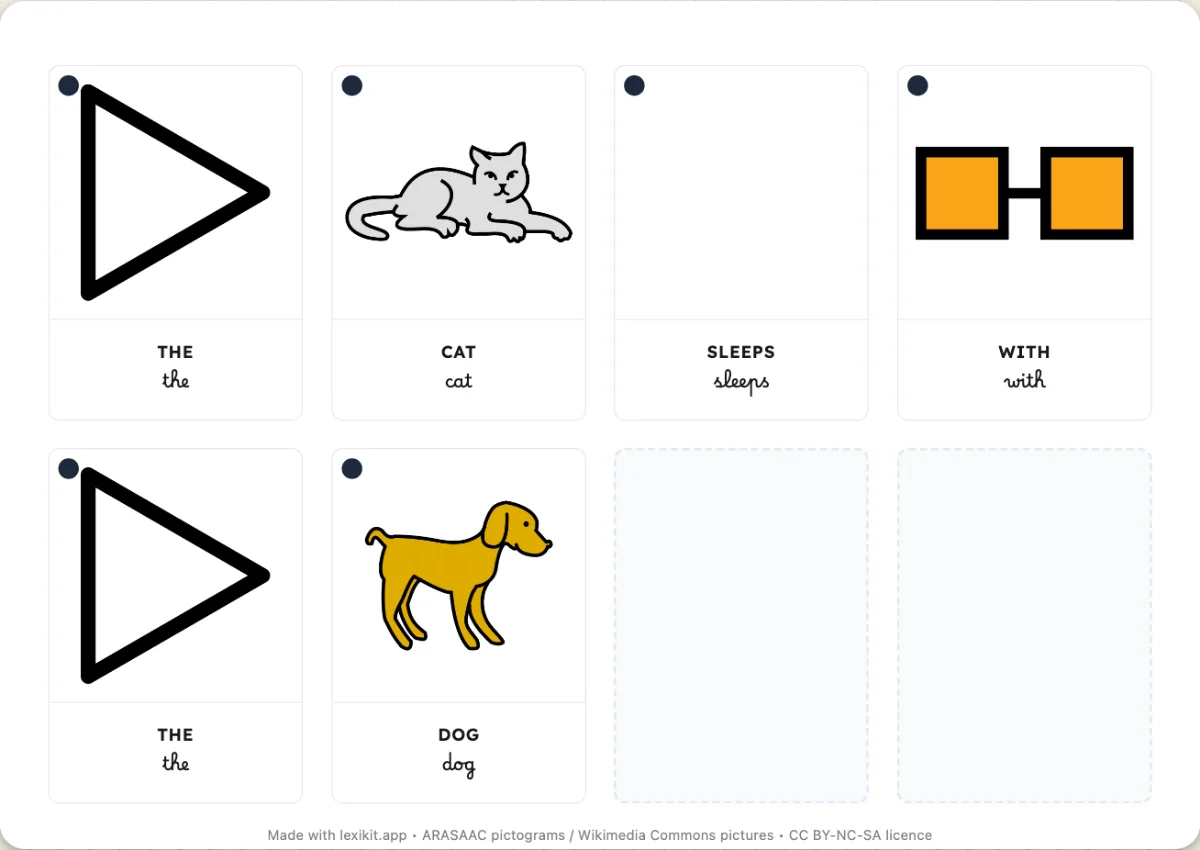
The 2026 circular writes that “gap-fill texts” are “to be avoided, except for special needs, in favour of handwriting and of writing complete sentences”. The clip cards lose “Missing letter”. They also lose “Last letter”, whose letter is often silent, like the T of the French chat. “The missing syllable” leaves the list of worksheets. Syllables are handled aloud, as in the example of the preschool guide: “say the word lapin, I take away la, what is left?”. Under the word cards, a line has children copy the whole sentence. “Words to rebuild” has them build the word “starting with the first letter”, in the same writing style, then in another.
The preschool curriculum asks for “structured teaching of cursive writing (introduced at age 4 or when the child is ready)”. In first grade, the French second-cycle curriculum has children turn “a word then a sentence into cursive from models in print”. In French, Lexikit has children write by hand in capitals or in cursive, and print is for reading. In English and Spanish, where print is handwritten too, Lexikit also uses it for writing. Cursive capitals are only learned in second grade, “in the second part of the year”. Passerelle, whose capitals are printed capitals, stays in Settings › Fonts for this reason, beside Lexikit Cursive.
The “Ruling” menu quotes the first-grade guide: learning starts with 3 mm rulings at age 5, then 2.5 mm during first grade, to reach the standard 2 mm by the end of first grade. For a first copy, the Eduscol resource on letter shapes advises “blank paper”, which the “No lines” ruling gives. In first grade, the model can go on the back, since the pupil “copies a text placed at a distance (or on the back of the sheet)”.
Lexikit's own choices
Some choices come from no official text, and I present them as such. The handwriting worksheets have no box per letter, a choice that comes from handwriting didactics. A box per letter cuts the word into pieces, and the child can fill the boxes in any order, the A of CAT before the C. Boxes also separate the letters that cursive joins. The child writes on exercise book lines at their real size. Movable letters go from left to right on a line, in “Words to rebuild” as in the “Letter keyboard”. Only “Count the letters” can show a box per letter, as an option, because there the child counts without writing. The “Interlines: In colour” option colours the zones of the letters, like the Gurvan ruling, for children who have trouble finding the line, among them children with dyspraxia.
No text names a font either. The “Help decoding” sheet of Cap école inclusive recommends sans-serif letters and space between words. Lexikit Script does both. Luciole is included for low vision. All these settings can be changed, resource by resource. If a quotation or a link seems wrong to you, tell me through “Your feedback”.